All work

Case Study · On-Device Automation

Automating everyday workflows with on-device AI

GPT Calendar replaces five separate apps — calendar, reminders, finance tracking, location alerts, and tasks — with one voice-first Android assistant whose AI runs entirely on the phone.

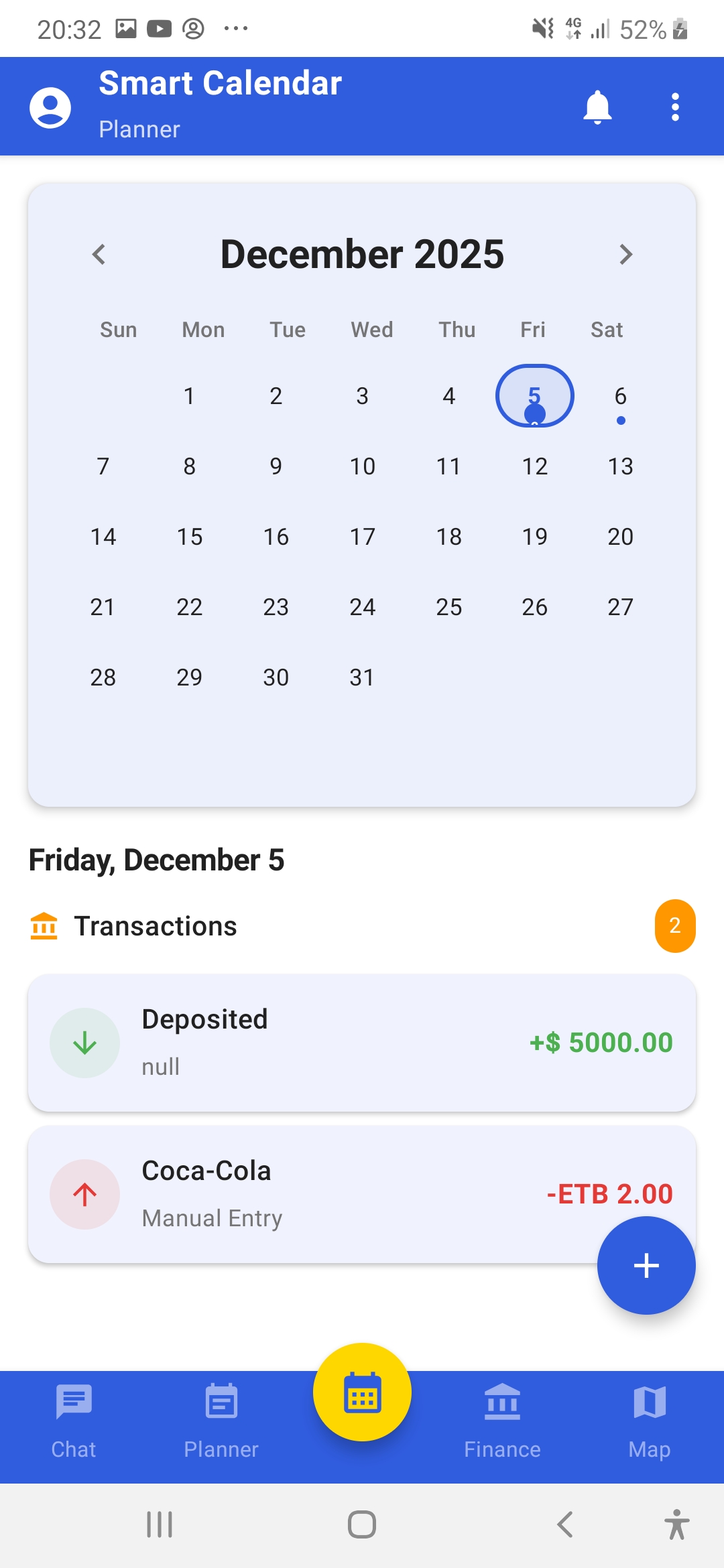
GPT Calendar app — calendar screen
Calendar
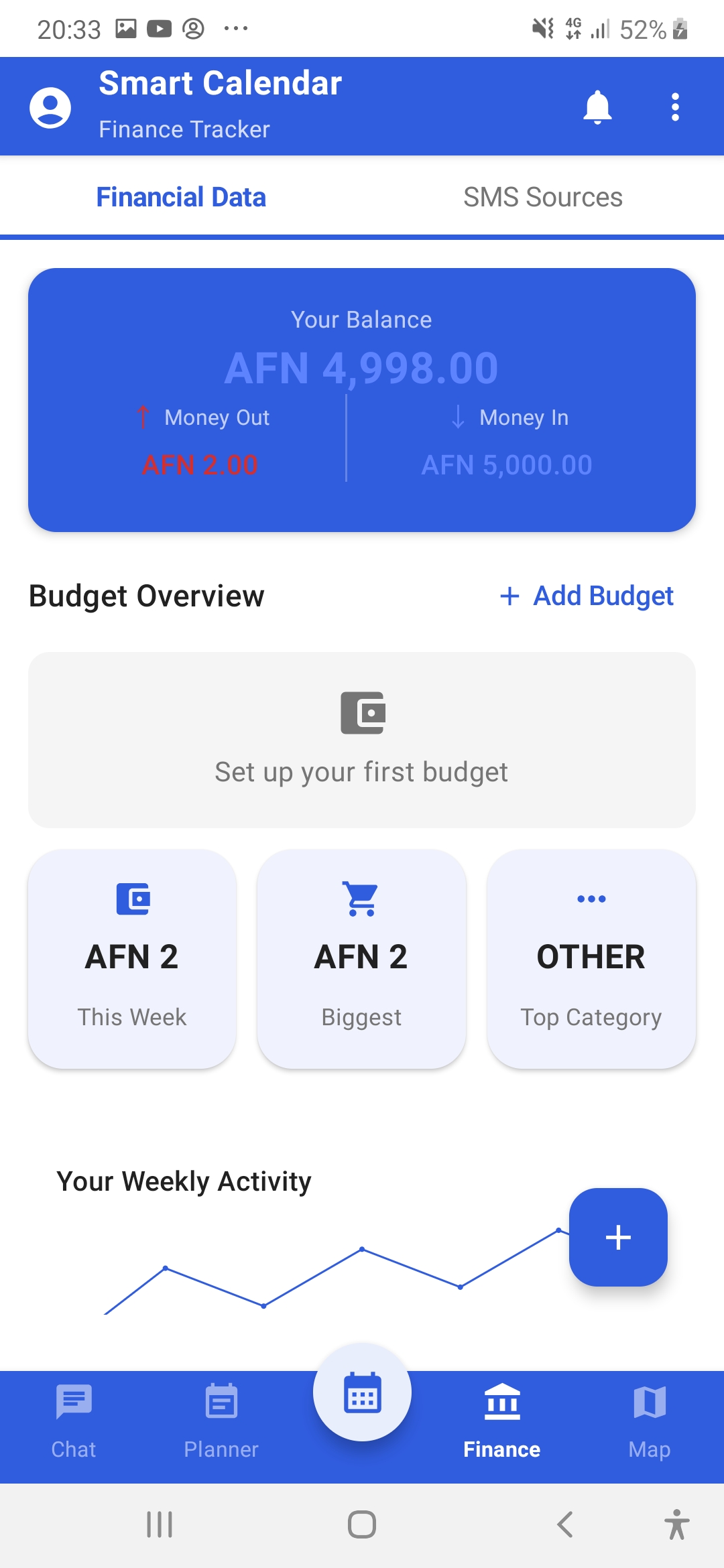
GPT Calendar app — finance tracking screen
Finance
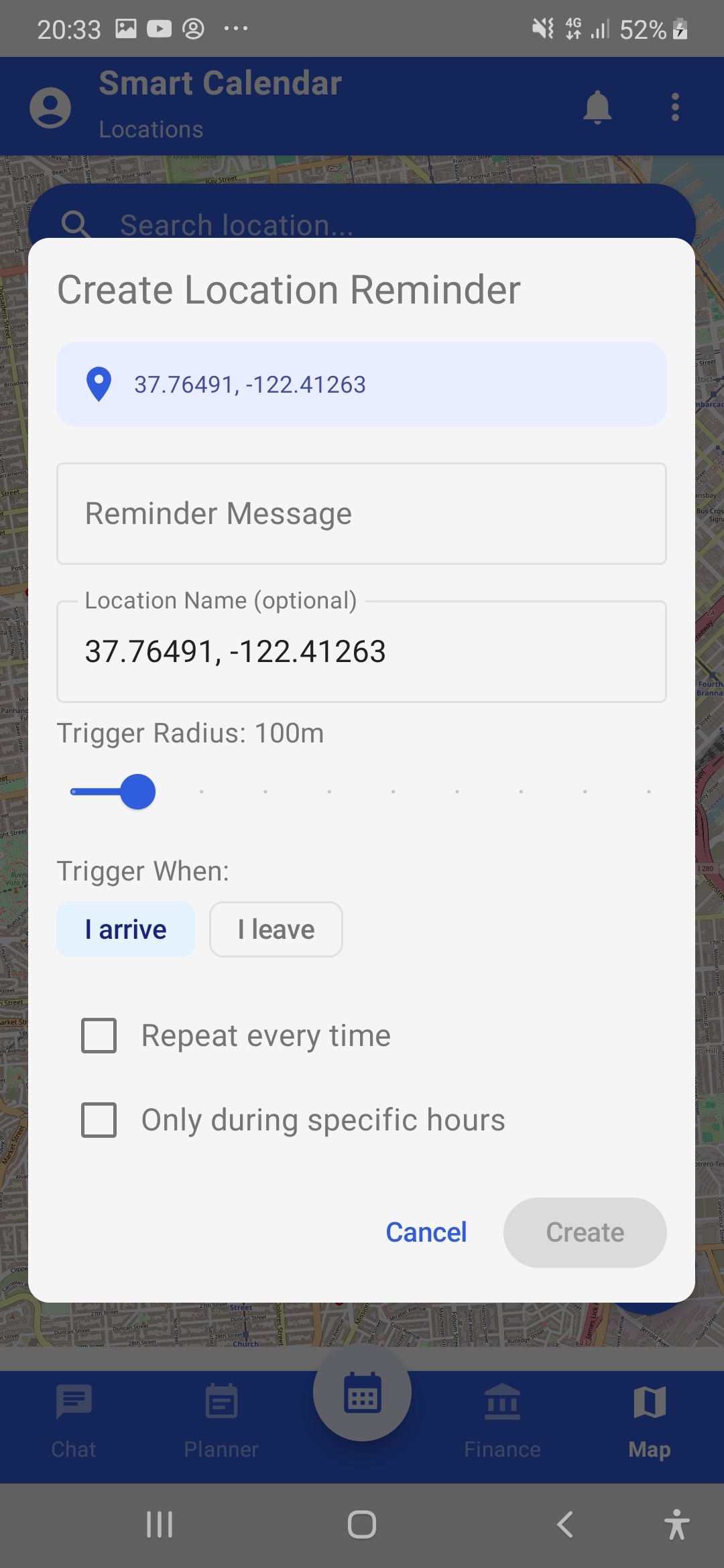
GPT Calendar app — location-based reminder screen
Location Alerts
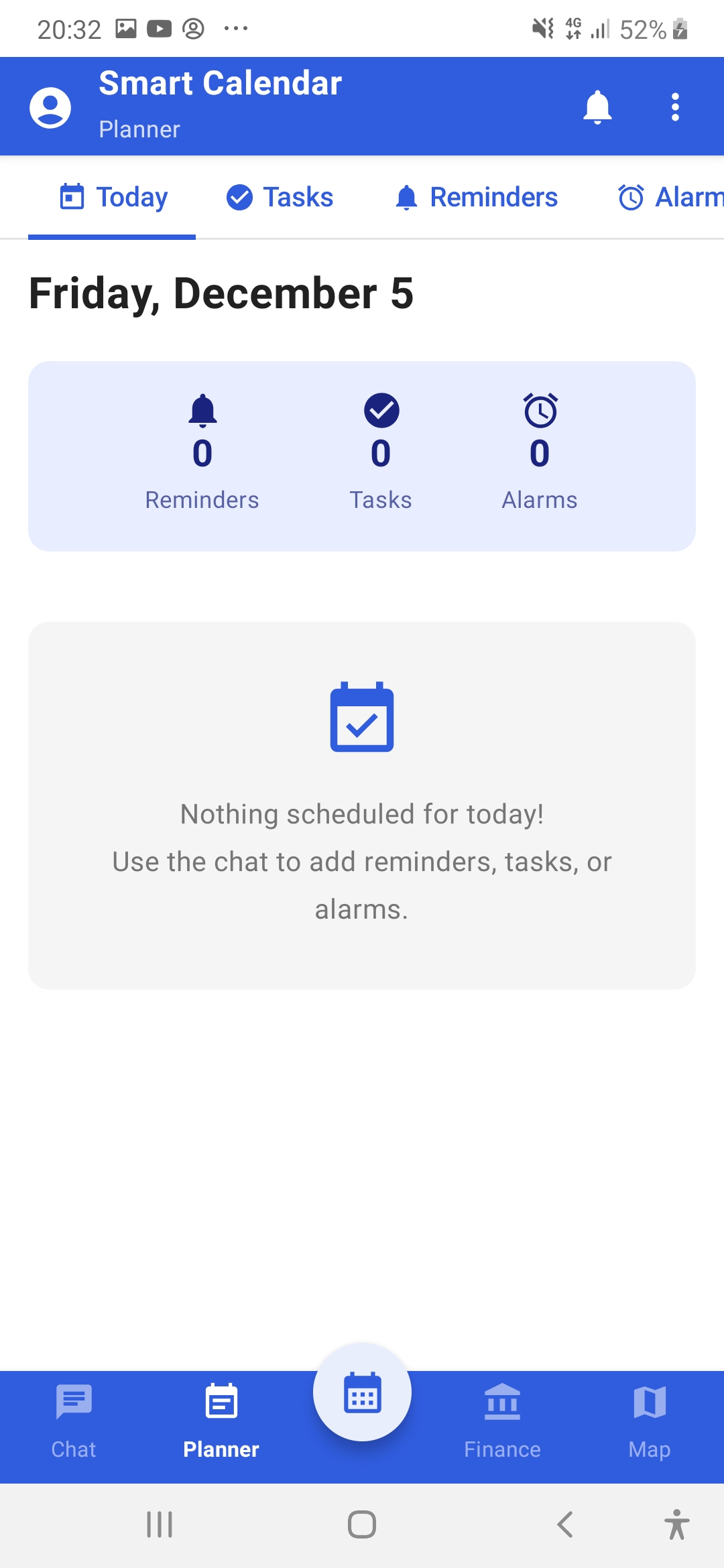
GPT Calendar app — planner screen
Planner
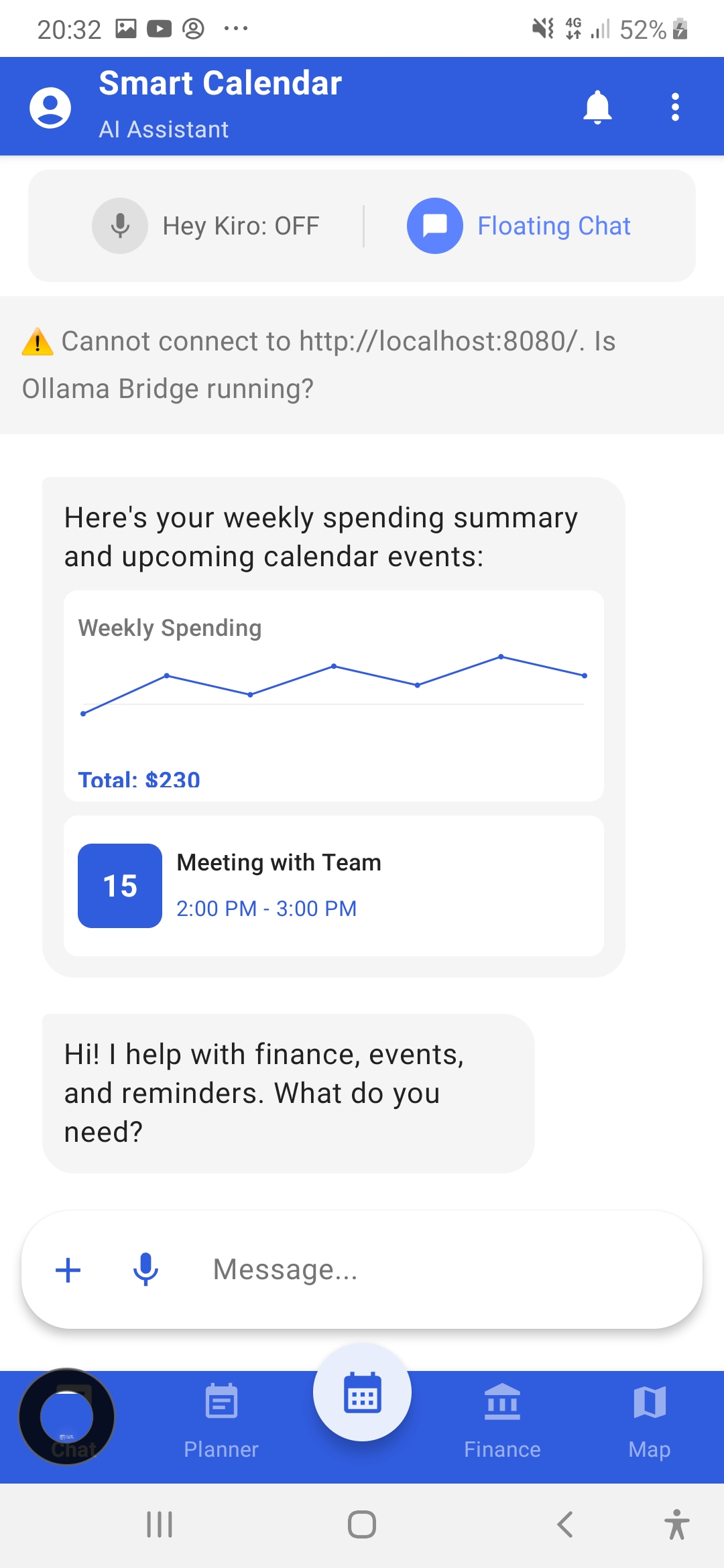
GPT Calendar app — AI assistant screen
AI Assistant

The problem

  • App fragmentation: everyday routines were scattered across five or more apps — one for scheduling, one for reminders, one for expenses, another for alerts.
  • Manual entry everywhere: typing every task, logging every expense by hand — small frictions repeated dozens of times a day.
  • Privacy trade-off: most assistants send your schedule, location, and messages to someone else's servers.

The automation

  • Speak instead of typing: a voice command is parsed on-device into the right action — an event, a reminder, a logged expense, or an alert.
  • Incoming SMS transactions are detected automatically and parsed straight into the expense log.
  • Location-aware reminders fire where you actually are, not just when.
  • All of it runs on the phone itself — no cloud dependency for core features.

The result

  • Five apps replaced by one: calendar, reminders, finance tracking, location alerts, and tasks unified in a single assistant.
  • Fewer manual steps: voice input and automatic SMS parsing remove most of the repetitive typing.
  • Privacy without compromise: 100% of core features work on-device; network access is optional, not required.

How it's built

  • Voice interface: wake-word ("Kiro") plus speech commands for hands-free operation.
  • On-device intelligence: local model option via Ollama-class runtimes — personal data stays personal.
  • Native Android: Kotlin implementation integrating system calendar, SMS, geofencing, and notifications.

Have an everyday workflow worth automating?

If routine steps keep eating your team's time — on mobile or desktop — tell me about them and I'll assess whether they're a fit for automation.

Describe Your Workflow